50 Laser Cut Christmas Ideas You Can Make This Year (With Files)
Not sure what to cut for Christmas? Here are 50 laser cut ideas, from quick ornaments to lamps and advent calendars, with a download button under each one.
Read more →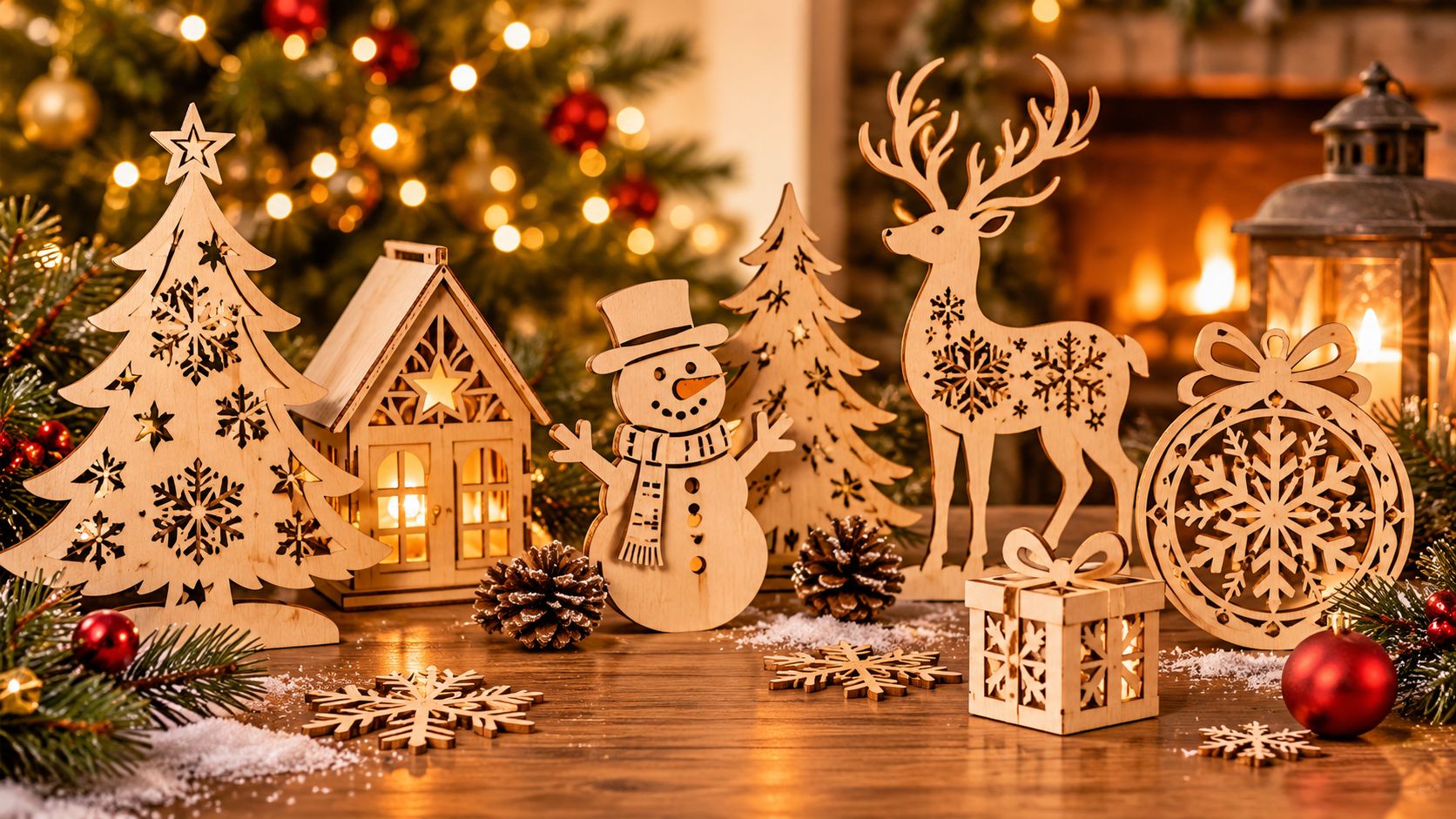
Guides · 24 Oct 2026 · 3 min read
A plain-language guide to laser cut file licenses: what personal and commercial use usually mean, what to check before selling and where to find the rules.
Some links in this post are affiliate links. Details
You made a beautiful ornament. Your friends love it, and one of them asks: "Can you make me ten?" Then another says: "You should sell these." Great! But before you open an online shop, there is one boring but important thing to check: the license.
This post is a general explanation, not legal advice. Every file and every seller has their own rules, so the product page is always the final answer.
When someone designs a laser cut file, they own the design. You buy or download the right to use it in a certain way. That way is called the license. It says what you may and may not do with the file and with the things you make from it.
Personal use usually means you make items for yourself, your family and your friends, not to sell. A Christmas ornament for your own tree, or a gift for your mother. For most files, this is allowed.
Commercial use means you make items to sell or to earn money. Selling at a Christmas market, in an online shop or to local stores all count. Some files allow it, some allow it with limits, and some do not allow it at all.
Common limits you may see:
On Creative Fabrica, the license information is shown on the product page of each design, and the site also has general license pages. Because the rules can change and can be different per product, always read it before you make items to sell. If something is unclear, contact the seller or the platform support and ask.
Shops like Etsy and others have their own rules for handmade items and for digital products. Read those too. They are separate from the file license.
If you are only making gifts, you are probably fine, but still read the page. If you want to try selling, begin with a small test and always keep the license in mind.
Here are some designs to browse. Open any of them to see the license and file details on the original page.
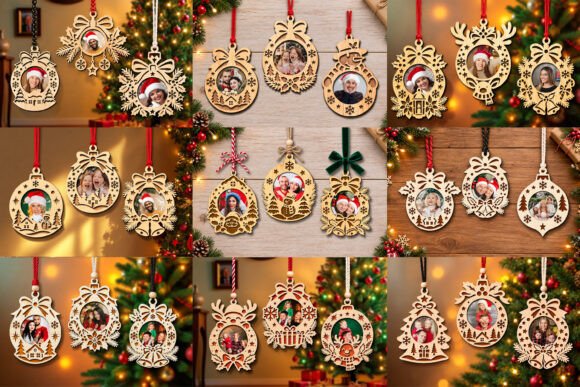
Christmas Photo Ornaments SVG Bundle is a laser cut design for the Christmas tree. Ornaments are the fastest way to get started, because the pieces are small and one sheet of material gives you plenty of them.
Download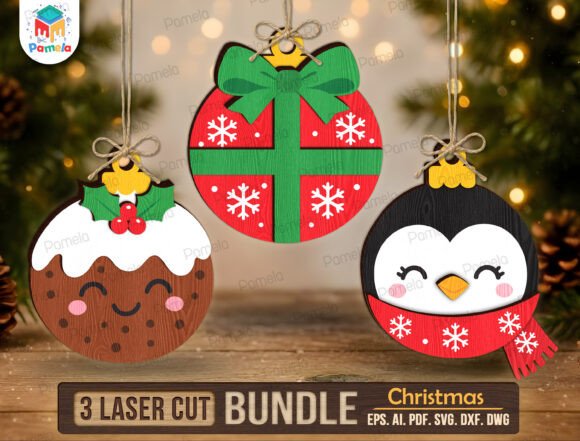
Christmas Ornament SVG Bundle (Design 23) is a laser cut design for the Christmas tree. Ornaments are the fastest way to get started, because the pieces are small and one sheet of material gives you plenty of them.
Download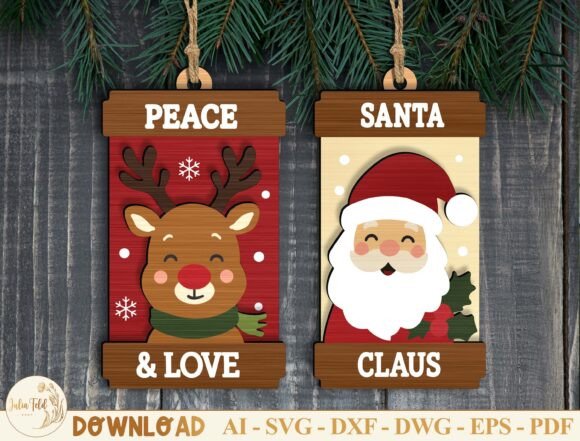
Christmas Ornament Laser Cut File Bundle (Design 2) is a laser cut design for the Christmas tree. Ornaments are the fastest way to get started, because the pieces are small and one sheet of material gives you plenty of them.
DownloadFor more practical guides, see our post on how to prepare an SVG file and our list of 50 laser cut Christmas ideas.
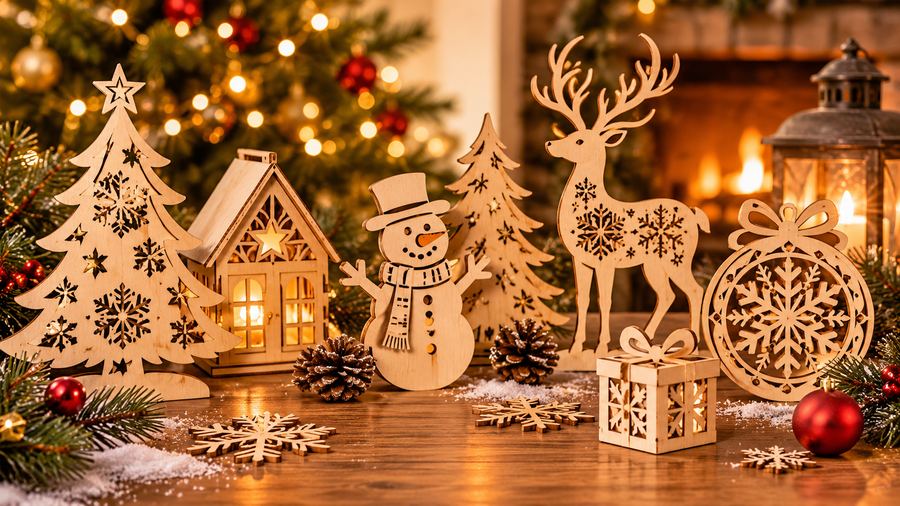
Not sure what to cut for Christmas? Here are 50 laser cut ideas, from quick ornaments to lamps and advent calendars, with a download button under each one.
Read more →
Plywood, MDF, acrylic or cardboard? A simple guide to choosing the right material for laser cut Christmas ornaments, with pros, cons and safety notes.
Read more →
A beginner-friendly guide to making a reusable wooden advent calendar with a laser cutter: planning, cutting, gluing, numbering and filling it.
Read more →