50 Laser Cut Christmas Ideas You Can Make This Year (With Files)
Not sure what to cut for Christmas? Here are 50 laser cut ideas, from quick ornaments to lamps and advent calendars, with a download button under each one.
Read more →
Projects · 28 Oct 2026 · 3 min read
A beginner-friendly guide to making a reusable wooden advent calendar with a laser cutter: planning, cutting, gluing, numbering and filling it.
Some links in this post are affiliate links. Details
A wooden advent calendar is one of those projects that pays you back for years. You cut it once, and every December you only have to fill it. Kids love it, and adults secretly love it too.
Here is how to plan it, make it and fill it, without stress. You still have time, but start this week.
There are three common styles, and each has its own feeling.
If it is your first time, start with tags or a simple frame. You can always make a bigger one next year.
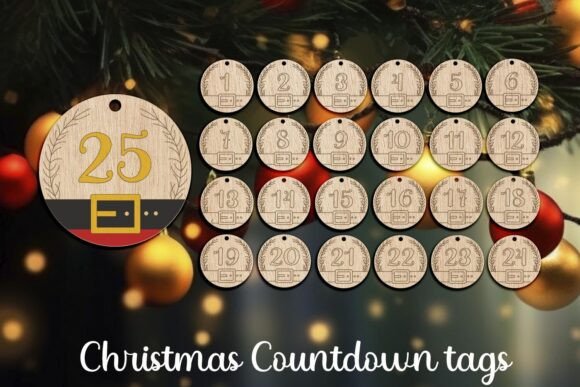
Christmas Laser Cut, Countdown Gift Tags is an advent calendar or countdown design. You cut it once and reuse it every year, you only change what goes inside.
Download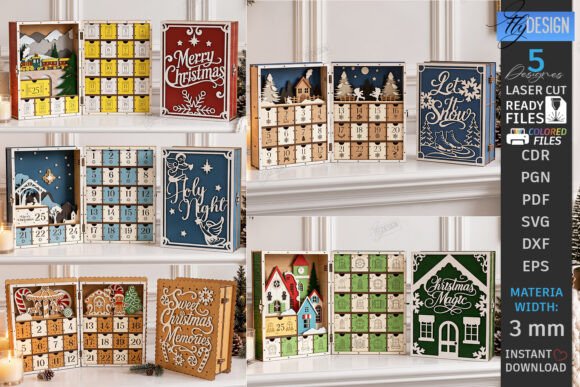
Christmas Advent Calendar Laser Bundle (Design 2) is an advent calendar or countdown design. You cut it once and reuse it every year, you only change what goes inside.
Download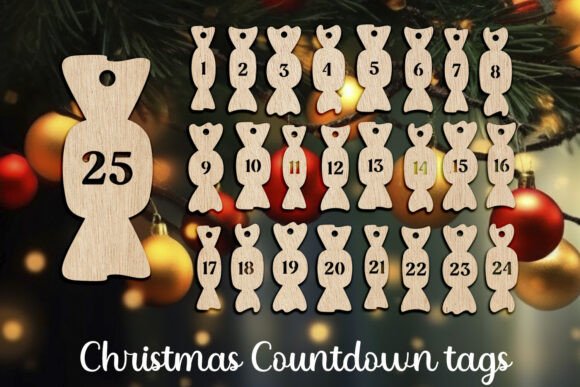
Christmas Advent Countdown Gift Tag Set is an advent calendar or countdown design. You cut it once and reuse it every year, you only change what goes inside.
Download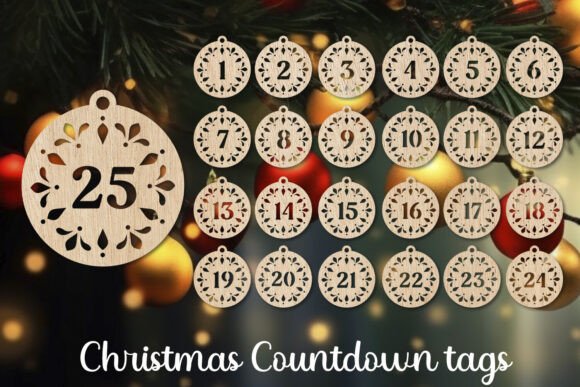
Christmas Advent Calendar Countdown Tags is an advent calendar or countdown design. You cut it once and reuse it every year, you only change what goes inside.
DownloadOpen the file page and check three things: the size of the finished calendar, the thickness of the material it needs and the file types included. Compare the size with the work area of your machine. If it is too big, look for a smaller design or one that is made from separate parts.
This matters more than people think. Look at the size of each box or pocket. Chocolate coins fit in some, but not all. Small candies, stickers, notes with little tasks, a tiny ornament or a puzzle piece also work well.
Many makers also like a note-only calendar. Each day has a short message or a family task, like "bake cookies" or "watch a movie". It costs nothing and it is often what kids remember.
Before you cut the whole thing, cut one small part, like a single box side or a tag. Check how pieces fit. If the slot is too loose or too tight, change your settings or the file scale a little. Writing down your settings for each material saves time later.
Cut all the parts, then lift them out carefully. Wood can leave soot on the surface. Wipe it with a slightly damp cloth, or lightly sand the edges. Let it dry fully before gluing.
Dry-fit everything first without glue. Then use wood glue, and wipe extra glue right away, because it shows up after staining. Small clamps or rubber bands help hold the parts while the glue sets.
Many files already include numbers as cut or engraved parts. If yours does not, you can use stickers, a paint pen or stamps. Mix up the order of numbers, so kids have to search for the right day. It makes it more fun.
A thin coat of clear spray protects the wood. You can also stain it or paint it in white, green or red. Keep it simple. Wood on its own looks warm.
If you start now, a calendar is easy to finish before December 1.
For more Christmas projects, see our list of 50 laser cut Christmas ideas.

Not sure what to cut for Christmas? Here are 50 laser cut ideas, from quick ornaments to lamps and advent calendars, with a download button under each one.
Read more →
Plywood, MDF, acrylic or cardboard? A simple guide to choosing the right material for laser cut Christmas ornaments, with pros, cons and safety notes.
Read more →
New to laser cutting? Learn what SVG and DXF files are, how to import them, check the size and set up cut and engrave lines before you press start.
Read more →