50 Laser Cut Christmas Ideas You Can Make This Year (With Files)
Not sure what to cut for Christmas? Here are 50 laser cut ideas, from quick ornaments to lamps and advent calendars, with a download button under each one.
Read more →
Beginners · 23 Oct 2026 · 2 min read
Common beginner mistakes with laser cut Christmas ornaments, lamps and advent calendars, and simple fixes so you waste less wood and time.
Some links in this post are affiliate links. Details
Everybody wastes some wood when they start. That is normal. But some mistakes are so common that you can skip them completely if you know about them first. Here are eight, and how to avoid each one.
You are excited, you press start, and ten minutes later you find out the size is wrong. A test cut on cardboard takes two minutes and saves a whole sheet.
Fix: always cut one small piece or a cardboard version first.
Slotted designs are made for a certain thickness. If your plywood is a bit thicker, the parts will not fit.
Fix: measure your sheet and compare with the product page. Sand lightly if a joint is too tight.
A big lamp does not fit on a small bed. A tiny ornament should have been bigger.
Fix: after importing the file, check the width and height in your software, and scale with locked proportions.
If a sheet is curved, parts of it are out of focus and may not cut through. If the glue inside plywood is bad, you get burnt edges.
Fix: use flat sheets and hold them down. Buy plywood that is meant for laser cutting if you can.
You glue the whole house, and then notice a part was upside down.
Fix: always assemble everything without glue first. Number the parts with a pencil if needed.
Extra glue shows up when you stain or paint, and it leaves ugly marks.
Fix: use small amounts and wipe the extra right away with a damp cloth.
A beautiful lamp with no place for a battery is just a box.
Fix: decide where the LED, wire and batteries go before you glue. Our guide on laser cut lamps and light boxes explains how.
This is the serious one. Wood and paper burn, and fumes are not good for you.
Fix:
If you plan to sell your work, read the license on the product page first. Read more in our license guide.
Start small. Cut a few ornaments, learn how your machine behaves, and then move on to lamps and bigger projects. Here are a few easy files for practice.
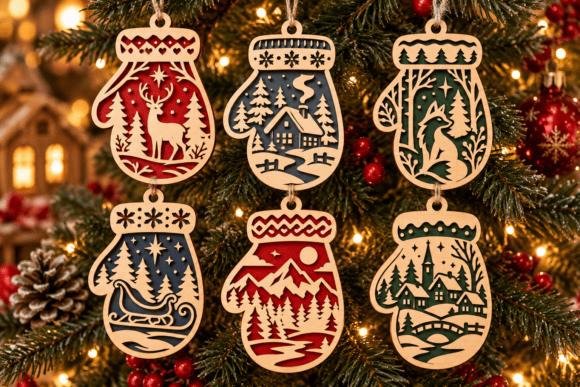
Christmas Mitten Laser Cut SVG Bundle is a laser cut design for the Christmas tree. Ornaments are the fastest way to get started, because the pieces are small and one sheet of material gives you plenty of them.
Download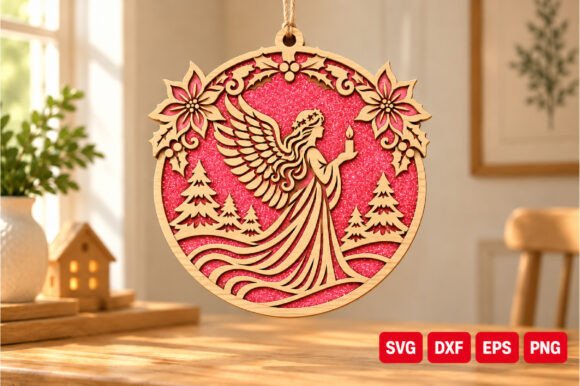
Angel Christmas Laser Cut SVG is a laser cut design for the Christmas tree. Ornaments are the fastest way to get started, because the pieces are small and one sheet of material gives you plenty of them.
Download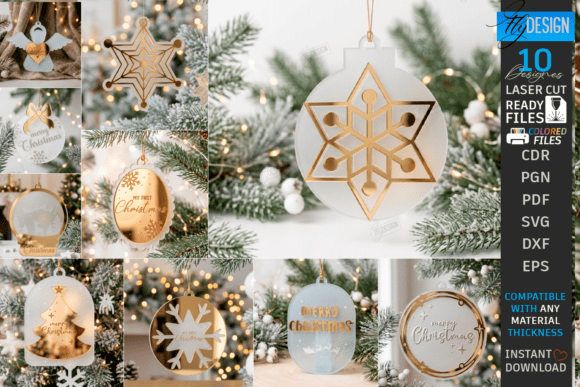
Acrylic Christmas Ornament Laser Cut Set is a laser cut design for the Christmas tree. Ornaments are the fastest way to get started, because the pieces are small and one sheet of material gives you plenty of them.
Download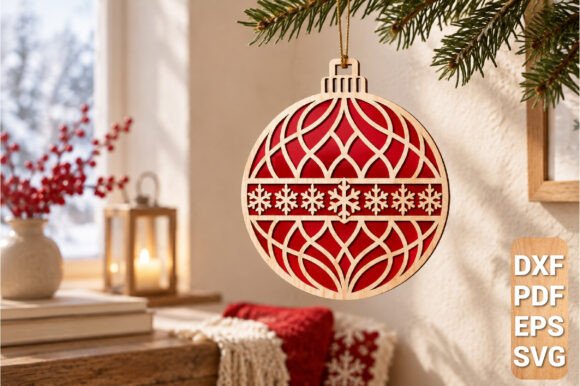
Geometric Christmas Ornament Laser Cut is a laser cut design for the Christmas tree. Ornaments are the fastest way to get started, because the pieces are small and one sheet of material gives you plenty of them.
DownloadFor more ideas, see our list of 50 laser cut Christmas ideas.
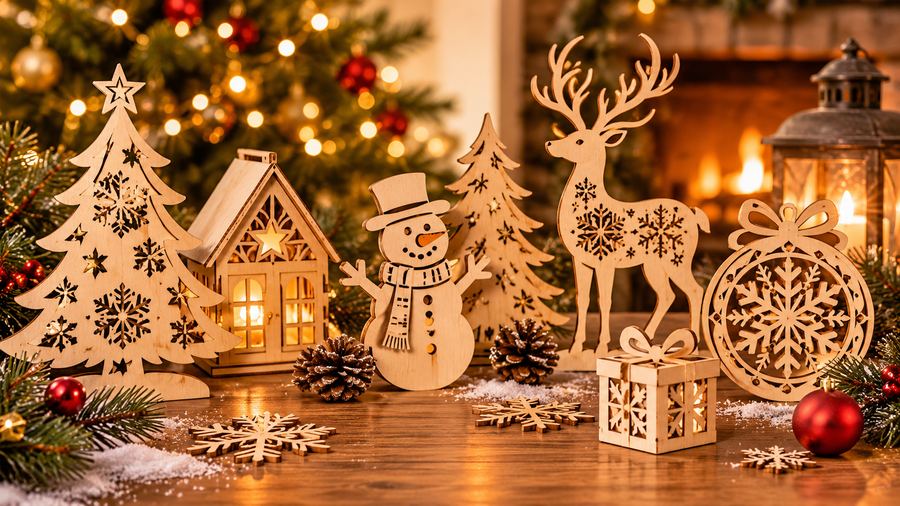
Not sure what to cut for Christmas? Here are 50 laser cut ideas, from quick ornaments to lamps and advent calendars, with a download button under each one.
Read more →
Plywood, MDF, acrylic or cardboard? A simple guide to choosing the right material for laser cut Christmas ornaments, with pros, cons and safety notes.
Read more →
A beginner-friendly guide to making a reusable wooden advent calendar with a laser cutter: planning, cutting, gluing, numbering and filling it.
Read more →